
 LIVSPACE Luxury Interior ExperienceAn immersive architectural interior site with a cinematic 850vh scroll sequence, glassmorphic UI, and GSAP ScrollTrigger motion physics for a luxury feel.9.4K186K4.8
AI Website Prompts for Lovable, v0, Cursor, Claude, ChatGPT & Bolt
AI website prompts for Lovable, v0, Cursor, Claude, ChatGPT, Gemini, and Bolt. Copy landing pages, 3D websites, dashboards, portfolios, SaaS, ecommerce, and UI components. Paste and launch.


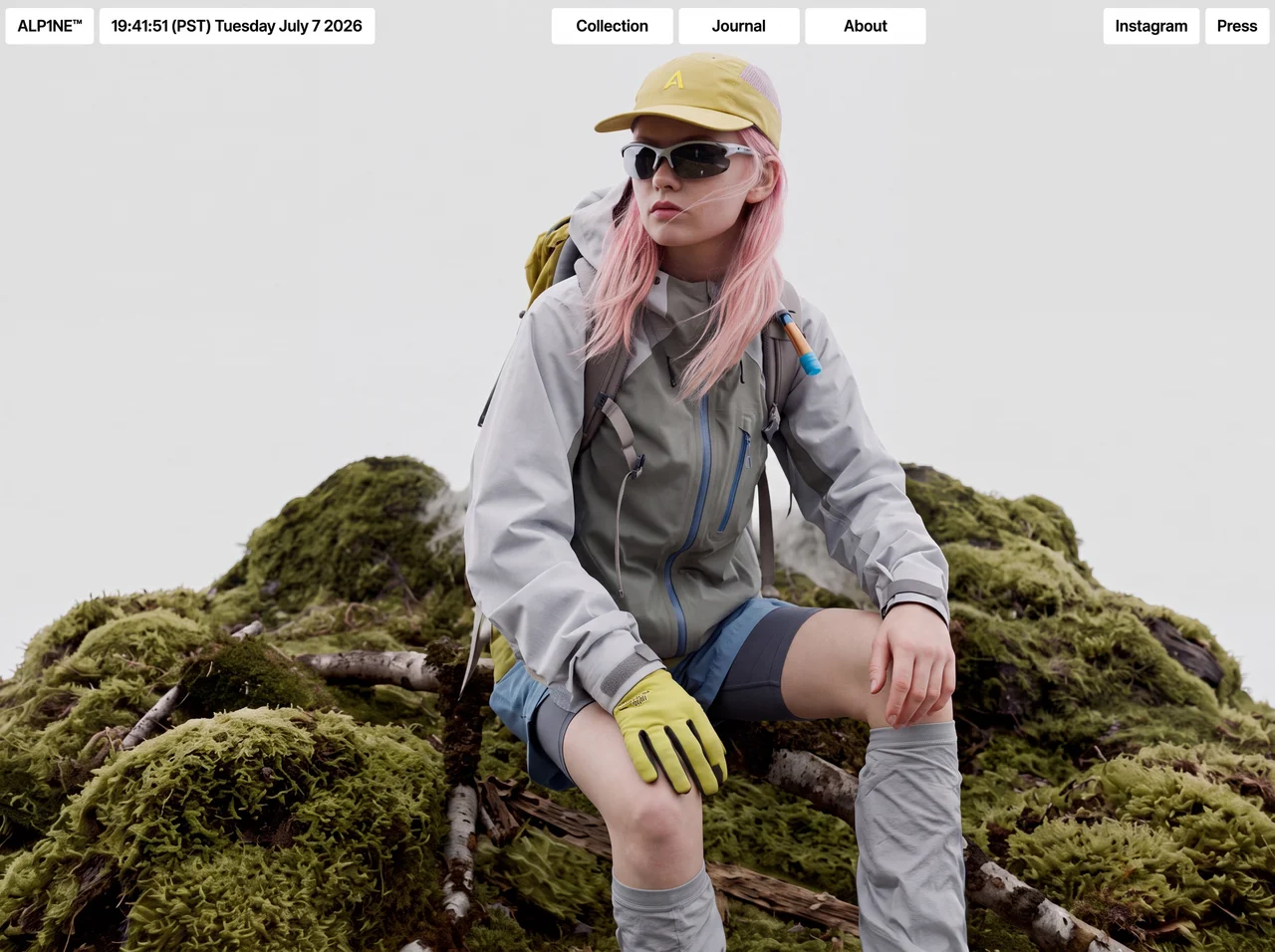


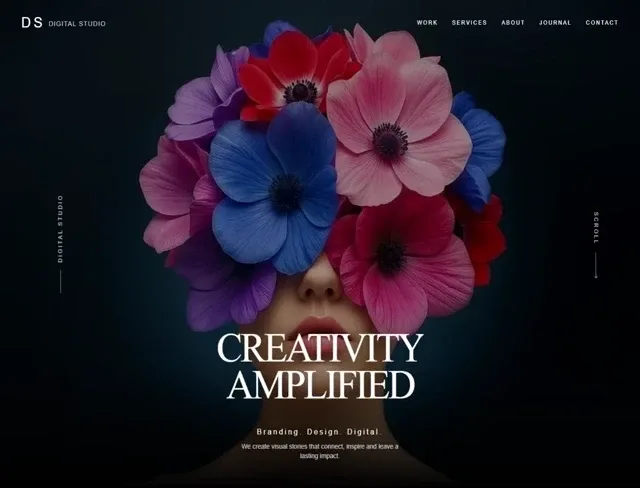




What is the Website Prompt Library?
A catalog of AI website prompts for Lovable, v0, Cursor, Claude, ChatGPT, Gemini, and Bolt. Copy landing pages, 3D websites, dashboards, portfolios, SaaS, and ecommerce, then paste and launch.
- 01
Browse ready-made website prompts
Find prompts for landing pages, 3D websites, dashboards, portfolios, SaaS, ecommerce, and UI components instead of writing a brief from scratch.
- 02
Works in Lovable, v0, Cursor & ChatGPT
The same website prompt pastes into Lovable, v0, Cursor, Claude, ChatGPT, Gemini, and Bolt. Edit brand and pages in the AI builder you already use.
- 03
Filter by category and style
Narrow the library by AI & SaaS, ecommerce, portfolios, dashboards, 3D, and more so you can match the page you want to build.
- 04
Copy, paste, and launch
Copy a website prompt, drop it into your AI builder, and generate a first draft. Tweak the brief and run it again without starting over.
How to Use Website Prompts
Pick a prompt from the library, copy it, and paste it into Lovable, v0, Cursor, Claude, ChatGPT, or Bolt.
01
1. Browse the website prompt library
Search or filter landing pages, 3D websites, dashboards, portfolios, SaaS, and ecommerce prompts.
02
2. Copy the website prompt
Open a prompt and copy the full brief—layout, sections, visual direction, and interactions included.
03
3. Paste into your AI builder
Paste the prompt into Lovable, v0, Cursor, Claude, ChatGPT, Gemini, or Bolt. Adjust brand and pages, then launch.
FAQ
How AI website prompts work with Lovable, v0, Cursor, Claude, ChatGPT, and Bolt, and what you can copy from this library.